Recorder Hero

Learn the recorder, one note at a time

A free interactive recorder teacher in your browser. It plays each new note, guides the fingers to the right holes (AR Guiding Rings™ on your fingers, with a camera), and listens as you play. Want more songs? Add a song pack.

You need a real recorder: Recorder Hero listens as you play.

Free lessonsNothing to installNothing is recorded Song packs from €2.99

Recorder Hero on Product Hunt

A child playing the recorder, with colorful notes flowing out, next to a tablet showing Recorder Hero

How it works

Three steps for every new note. All you need is a recorder and a computer, tablet or phone with a microphone. With a camera too, AR Guiding Rings™ on your own fingers guide each one to the right hole.

A tablet playing a music note to a child who listens1

Listen

Recorder Hero plays the new note, so you know how it should sound.

Hands on a recorder with glowing colored dots on the fingertips2

Copy the fingers

A chart shows which holes to cover, and through the camera the dots are painted right on your own fingers.

A happy child playing the recorder, with notes and a big checkmark3

Play

It listens as you play. The right note gets a cheer; a wrong one shows which finger to fix.

No lesson today? Just play

Choose Free play and play anything you like on your recorder. Each note shows big, with its fingering, and is written on a staff as you go.

  • It knows the songsStart a tune from the song library and it tells you which one, shows the notes that come next, and opens its lesson with a tap.
  • A band behind youA drone, a slow ballad, a lullaby, lo-fi, reggae, bossa nova or rock: drums, bass and chords, so whatever you play sounds like music.
  • Hear yourselfPlay it back in your instrument's own sound, while your mentor dances.
  • A tunerIn tune, a little high or a little low, and how long you held a note steady.
Start free play

A recorder app in your browser

Recorder Hero is a free, browser-based app for learning the recorder (the soprano or descant recorder played at school). It listens to you play through the microphone, shows the fingering for each note and tells you which finger to fix, from your first note to whole songs.

  • Runs in the browser (Chrome, Edge or Safari) on a computer, tablet or phone: nothing to install.
  • You need a real recorder and a device with a microphone. A camera is a help, not a must: it shows your fingers (on a phone or tablet, stand it up on a table, a step away).
  • The lessons and the song library are free; extra song packs are optional, each with a free song to try.
  • Add it to your home screen and it opens like any other app.

Games for your recorder

Use the notes you've learned in a game: you play your real instrument, and the game listens. No instrument at hand? There's a controller on the screen.

21 free recorder lessons for kids and beginners

17 notes and 4 song lessons, starting with B, A and G, the three easiest, and climbing from there. Every lesson ends with a short tune to play. Made for children learning at school or at home, and for grown-ups starting out.

B
B
A
A
G
G
C'
high C
D'
high D
E
low E
D
low D
C
low C
F
F
F#
F#
B♭
B♭
E'
high E
G'
high G
A'
high A
F#'
high F#
F'
high F
C#'
high C#

Song packs

146 more songs, 35 of them free to play.

Christmas carols, children's songs from around the world, half-holes and sharps: collections of songs to play in Recorder Hero, each with a free song to try. Everything that's free today stays free.

Buy once, no subscription. Each pack comes with its songbook, a PDF ebook.

See the song packs ›
A teacher and three children with recorders around a tablet in a classroom

For parents (and teachers)

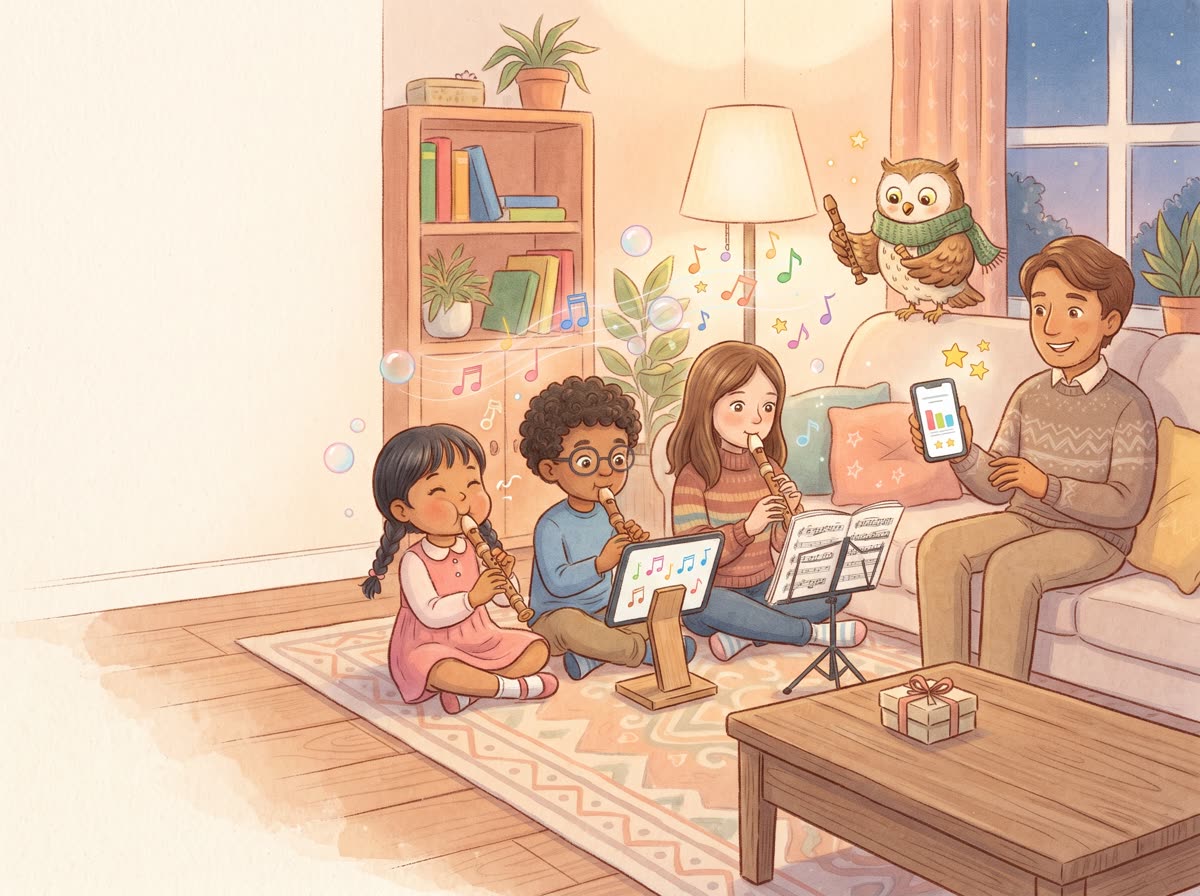
Practice at home, without you standing by every note. Between lessons and in class, too.

  • Free lessons. Nothing to install; extra song packs are a one-time buy.
  • Private. The camera and the microphone stay on your device; nothing is recorded or uploaded.
  • At their own pace. Each note is practiced until it's right, and the play-along slows down for beginners.
  • A report for each child. With the Family Pack, a progress report by email for every child on your account.
  • Ready for class. Every song has its own page with the notes and fingerings, and a link that opens it in Recorder Hero, to share with your class. In a classroom, sign in once on each device with your account, and each student picks their name (with the Family Pack, each gets their own report).
  • Works on what you have: a computer, a tablet or a phone with a microphone, in Chrome, Edge or Safari (with a camera, AR Guiding Rings™ on your fingers guide each one to the right hole: recorder holes are tricky).

Questions

Can my child just play, without a lesson?

Yes: Free play is in the lessons menu. Play anything on the recorder: each note shows with its fingering and goes onto a staff, songs from the library are recognized as you play them, a band can play along, and you can hear what you played. It's free, like the lessons.

Which recorder do I need?

A soprano (also called descant) recorder, the usual school recorder, with baroque (English) fingering. Most school recorders are baroque: look for a double hole at the bottom and a small "B" on the instrument. German-fingering recorders work too: switch the game to German fingering in its menu, in one tap (the fingering chart on this site switches the same way).

Is it really free?

Yes: every lesson and the songs in the song library are free, and there's nothing to install. If you'd like more songs, there are song packs to buy (Christmas carols, children's songs from around the world, national anthems and more), each with a free song to try. Buy once, no subscription. Each pack comes with its songbook, a PDF ebook.

Do I need an account?

No. Everything works without one, and your stars stay in this browser. A free account is optional: it keeps your stars and progress, so you can carry on from any screen (computer, tablet or phone). Accounts are for grown-ups: children play with a parent's or teacher's account.

Does it record my child?

No. The microphone and the camera are only used on your own device, right in the browser, to hear the notes and see the fingers. Nothing is recorded or sent anywhere.

What age is it for?

Children from about 6, and grown-ups starting out. Younger children enjoy it with a grown-up nearby for the first lesson.

Does it work on a tablet or a phone?

Yes: on a computer, a tablet or a phone with a microphone, in Chrome, Edge or Safari. With the camera on, stand the tablet or phone up on a table, so it can see your hands.

My note isn't recognized. What can I do?

Blow gently, like a soft "doo", and make sure every covered hole is fully sealed with the pads of your fingers. Low notes need the gentlest breath of all. A quiet room helps too.
Ready? Grab your recorder.

The first lesson takes five minutes: you'll play your first note, B, right away.

Start the first lesson